Free CV Template Maker — Export to PDF Instantly
📄 Free CV Template Maker — Export to PDF Instantly
Creating a professional CV doesn't have to be stressful or expensive. With CapybaraLand, you can design a polished, ATS-friendly CV in minutes — and export it as a high-quality PDF for free, with no watermark.
Why a Great CV Matters
Recruiters spend an average of 7 seconds scanning a CV. A clean layout, clear hierarchy, and professional fonts help you make that first impression count — before they even read a single word.
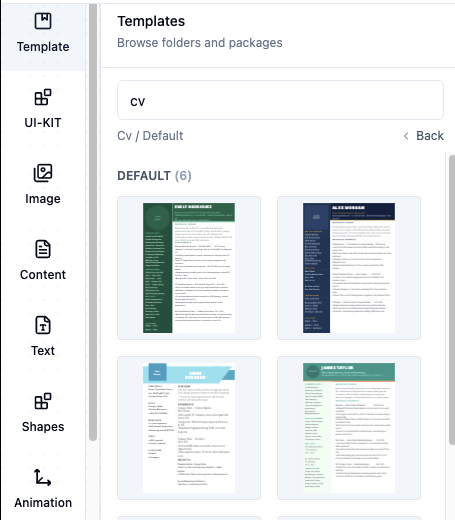
Step 1 — Pick a CV Template
Head to our CV Templates page and choose a layout that matches your industry. We have:
- One-column classic layouts
- Two-column modern layouts
- Minimalist designs
- Creative / portfolio CVs
Step 2 — Fill in Your Details
Click on any text block to edit it. Replace the placeholder text with:
- Your full name and job title
- Contact details (email, phone, LinkedIn)
- Work experience (company, role, dates, bullet points)
- Education details
- Skills section
Layout Tips for a Professional CV
- Font size: 10–12pt for body text, 14–16pt for headings.
- Font choice: Inter, Lato, or Open Sans — clean and ATS-friendly.
- Margins: At least 15–20 mm on all sides.
- Colour: One accent colour maximum. Keep it subtle.
- Length: One page for under 5 years experience; two pages maximum.
ATS-Friendly Tips
Many companies use Applicant Tracking Systems (ATS) to filter CVs before a human ever sees them. To pass ATS screening:
- Use standard section headings: Experience, Education, Skills.
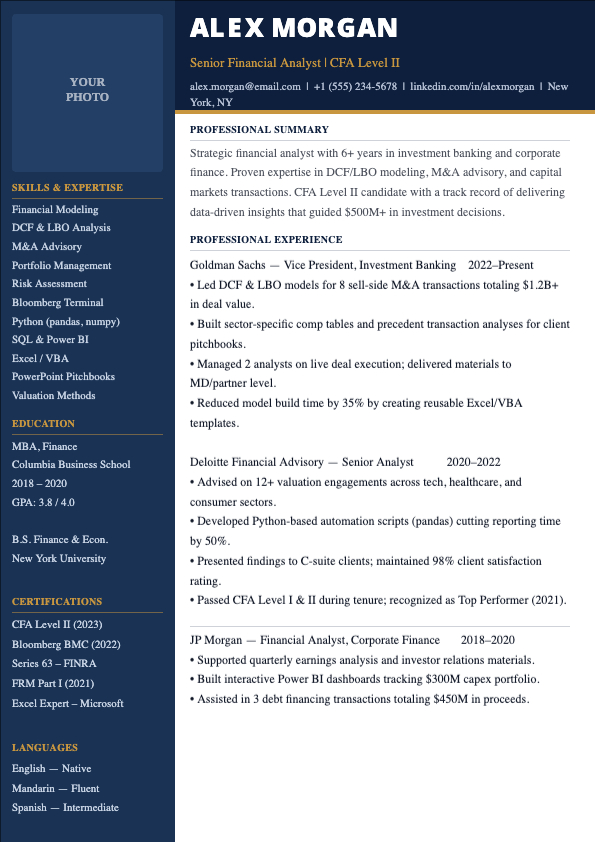
- Avoid text boxes or tables — use simple columns instead.
- Use keywords from the job description naturally throughout your CV.
- Export as PDF (not JPG) so the text is machine-readable.
🏥 For nursing & healthcare roles: Include your registration number, certifications (BLS, ACLS), clinical placement details, and any specialist ward experience. A clean, professional layout matters just as much as qualifications.
Step 3 — Export as PDF
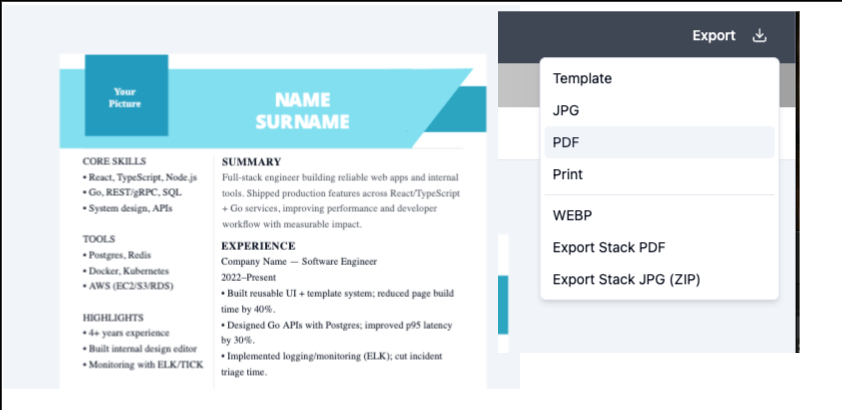
When your CV is ready, click Export → PDF. Select A4 portrait at 300 dpi for the sharpest output. Download and you're done — no watermark, no premium paywall.